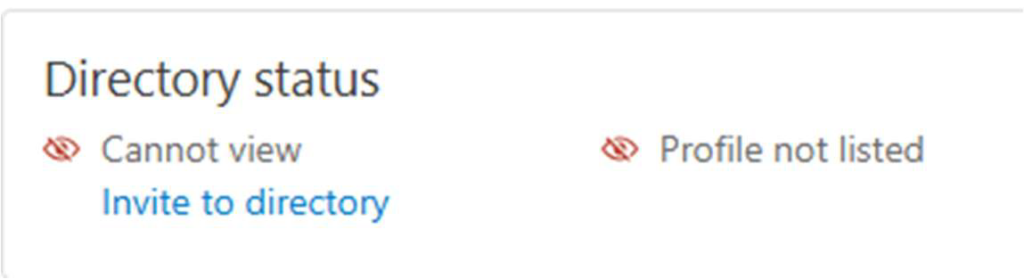
If you are not participating in the church directory, your account in Planning Center Online
(PCO) will look like this. An administrator must invite you to participate. If you have not
received an invitation, you can ask any of the PCO administrators to send you an invitation.
Once you are invited, you will receive an email like the one below.
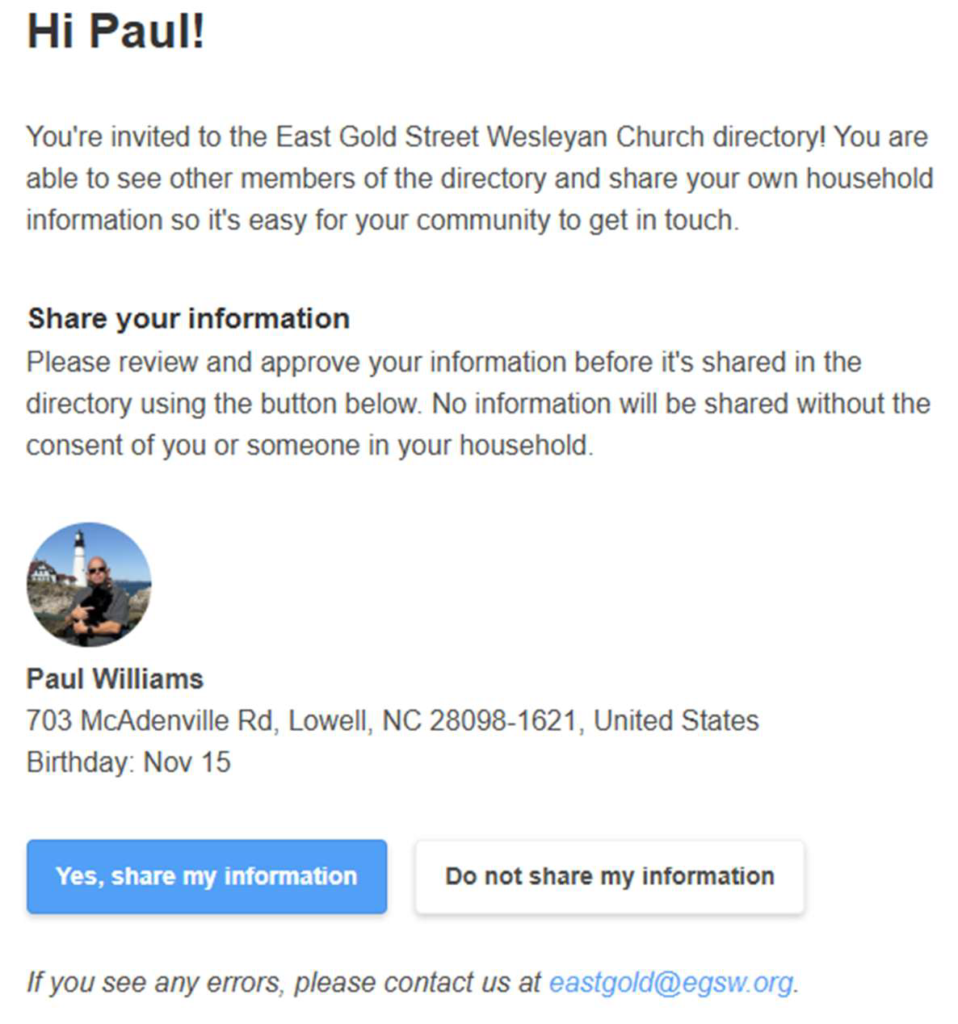
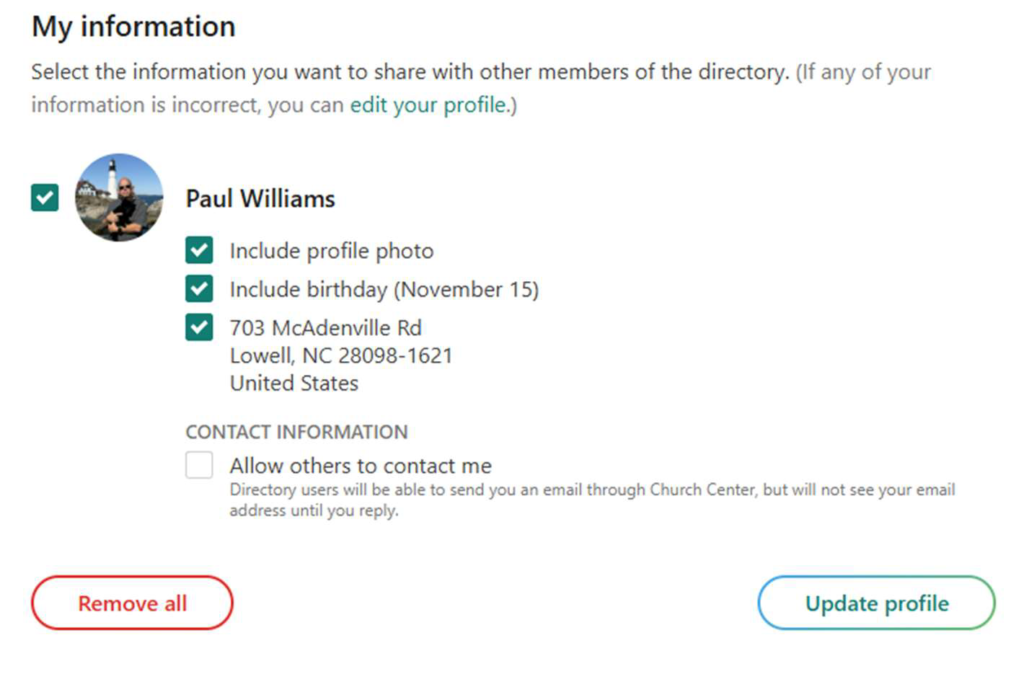
Before you decide – you can control how much information you share.
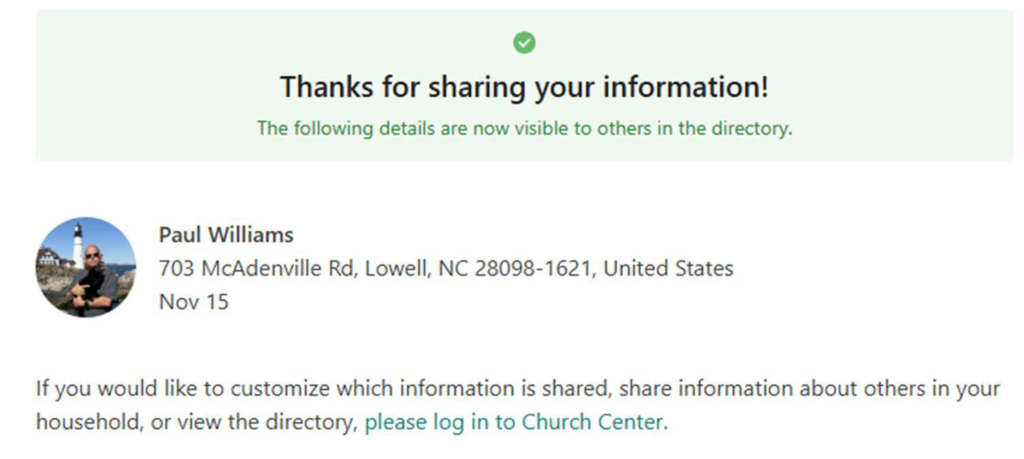
If you click – Yes, Share my information – this is the next screen you will see.
To authenticate to Church Center, you must sign-in with either your email address or your
phone number (screen shots for both are included).
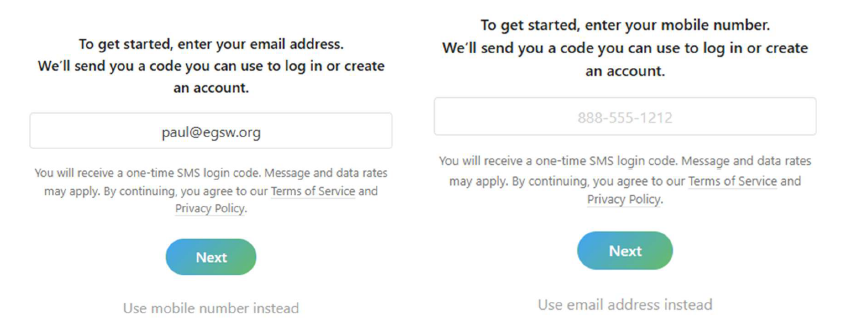
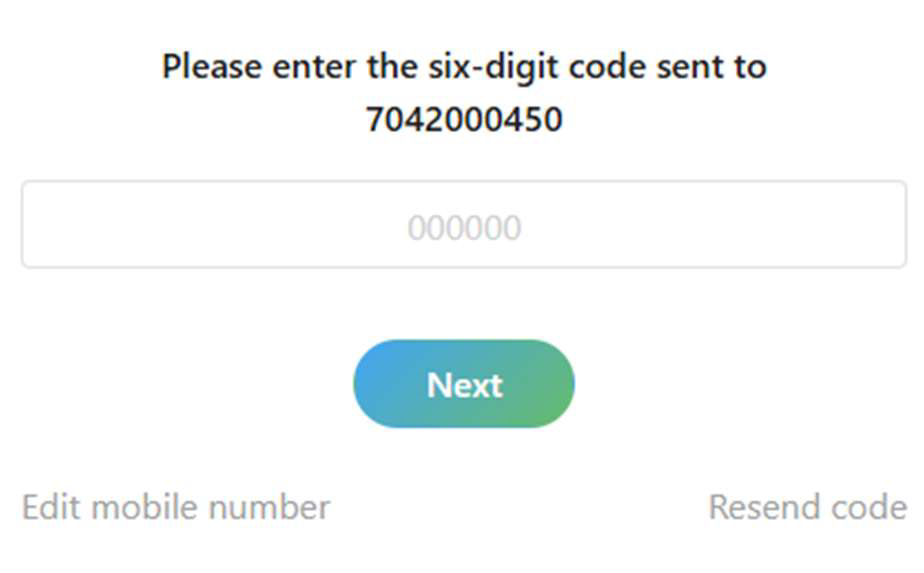
Either option will require you to authenticate with a code that will be sent either to your
email or your phone number (whichever one you provided).
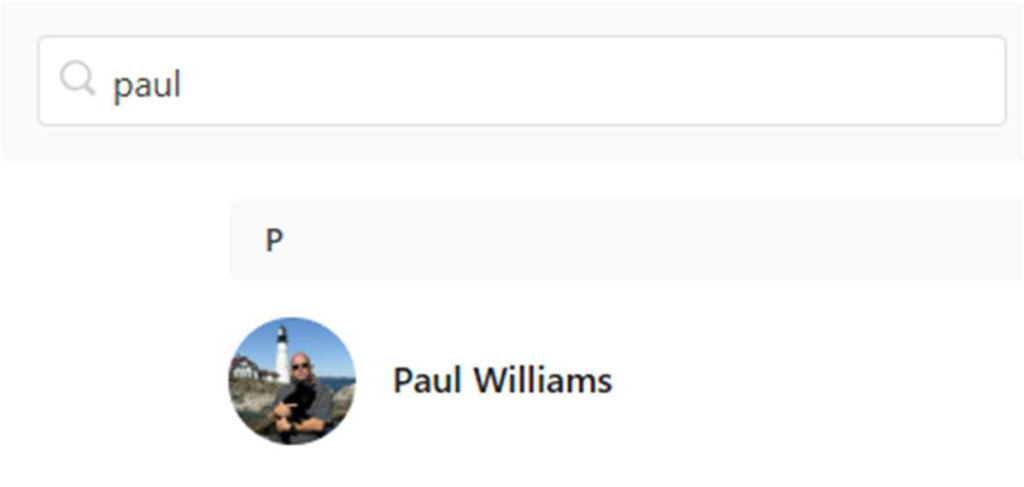
When the search screen appears, type in your name, hit enter, then click on your profile.
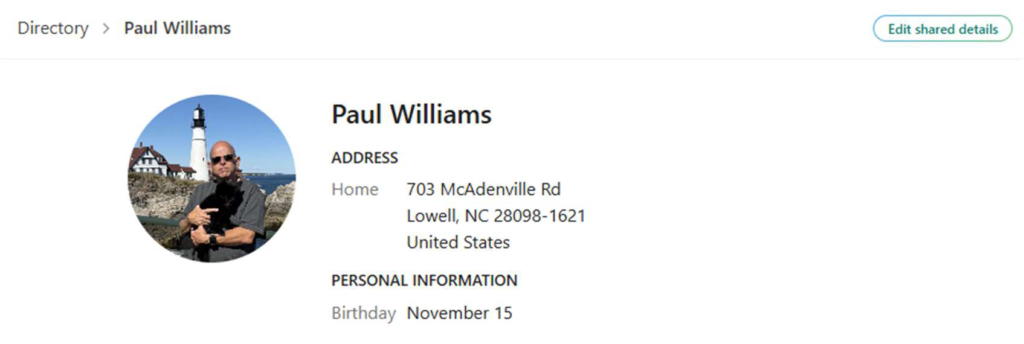
Whatever information we have in the directory will be shown. Click the Edit share details
button to change it.
Finally – the link to allow others to email you directly from Planning Center is opt-in only. It
is o by default. You must opt in if you want to be contacted by email.